Editor guide
This guide is for the people who build and keep the site: editors, translators and admins. Everything happens in the admin, at /admin on your site.
The dashboard #
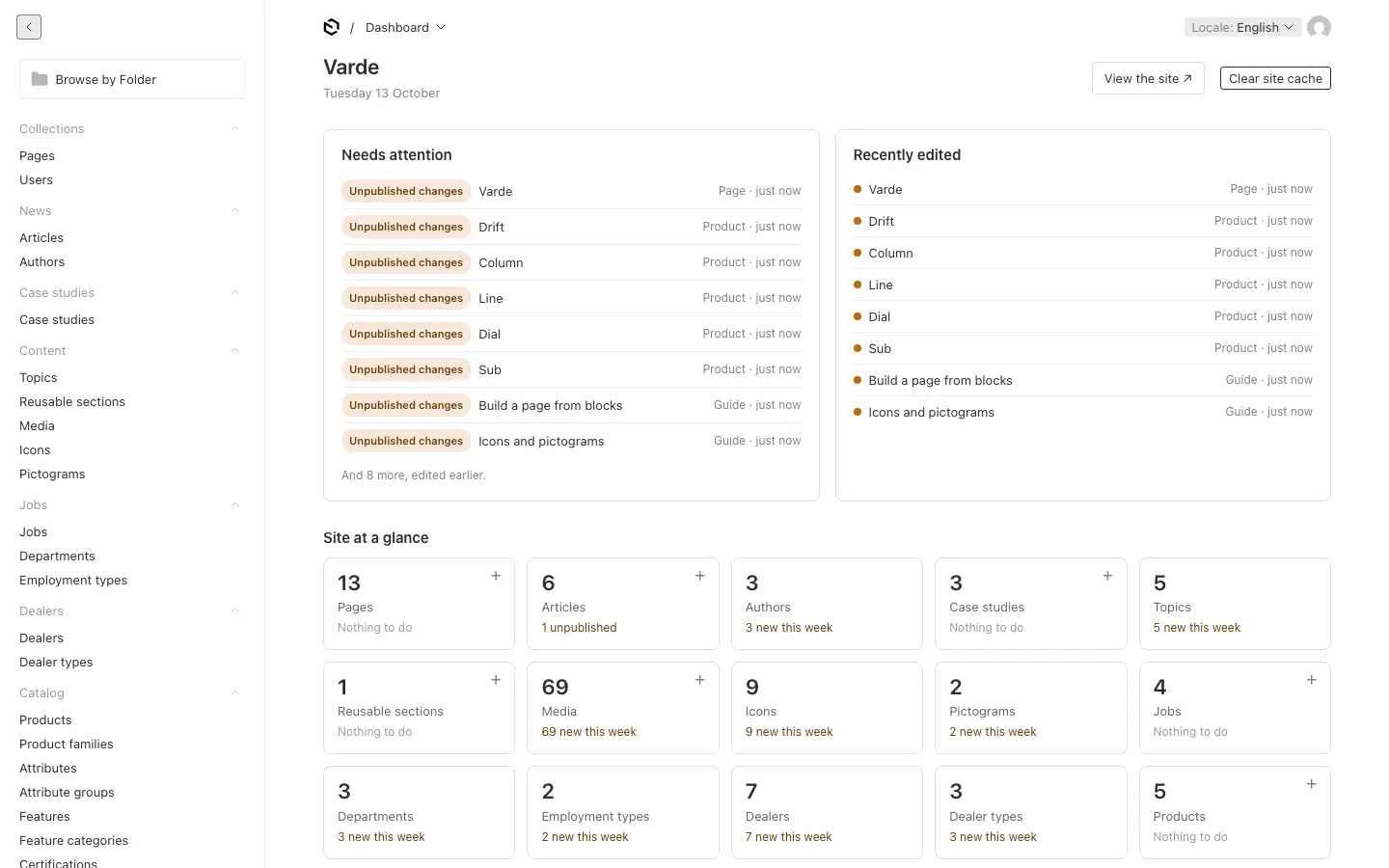
The admin opens on the dashboard:
- Needs attention: documents with unpublished changes, and drafts that were never published.
- Recently edited: the latest changes, with a dot for published or draft.
- Site at a glance: a tile per collection, with a count and what is waiting. The + creates a new document.
- View the site ↗ opens the site, and Clear site cache (editors and admins) makes the site show your latest saved changes when it does not by itself.
The sidebar groups everything by kind: Pages (and Users, for admins), a group per module (News, Case studies, Jobs, Dealers, Catalog), Content (topics, reusable sections, media, icons and pictograms), Help (the guides), Settings, Forms, Translation, and System for admins.
The guides in the admin #
The admin has short how-to guides of its own: Tools → Guides at the bottom of the sidebar opens them, grouped by subject. They are written for reading beside the page you are working on, and your team can edit them and add its own under Help → Guides.
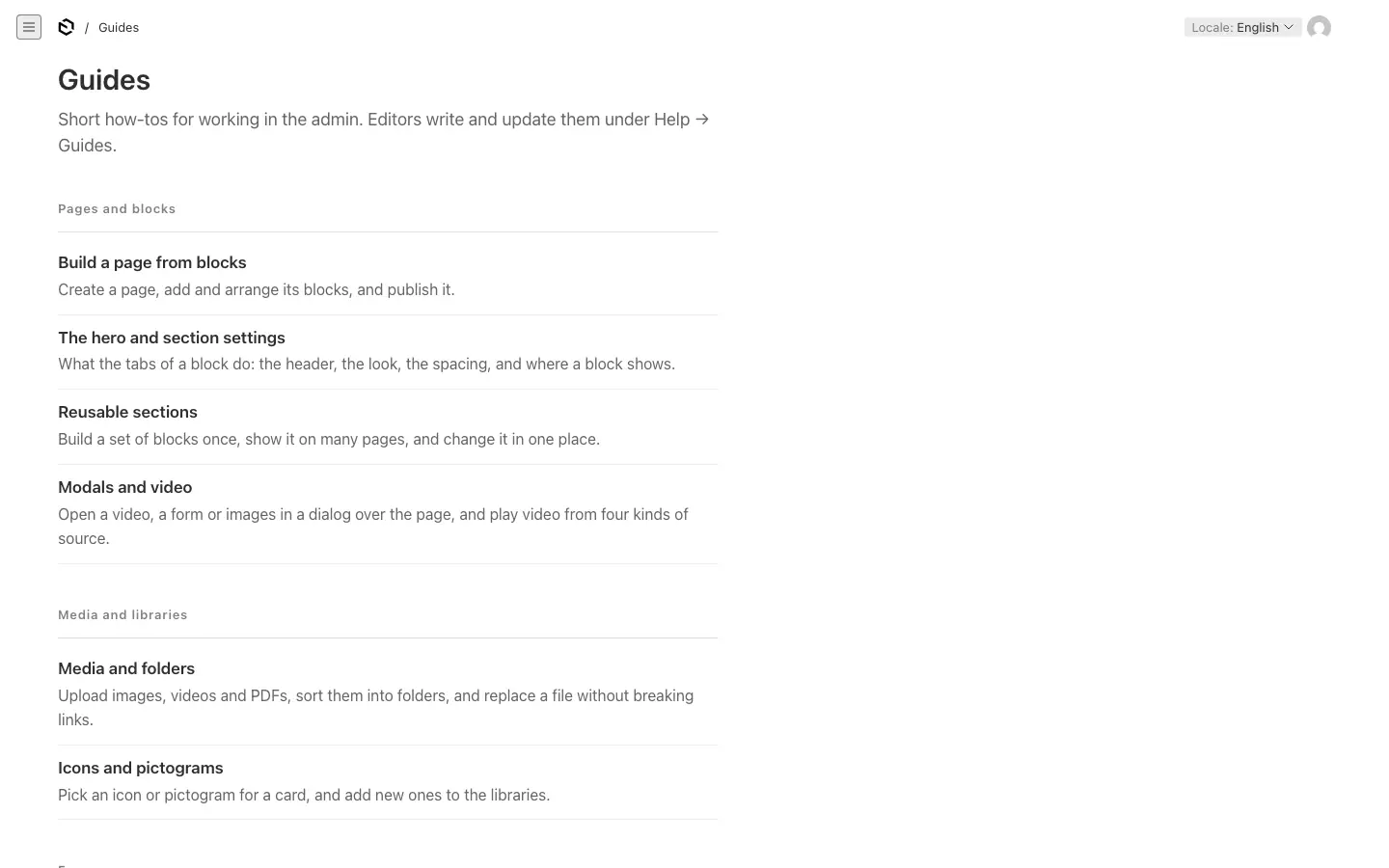
This guide covers the same ground in more depth, and the translation tools in full. The admin starts with these guides:
| In the admin | Here |
|---|---|
| Build a page from blocks | Pages and blocks |
| The hero and section settings | Sections and reusable sections |
| Reusable sections | Sections and reusable sections |
| Modals and video | Pages and blocks |
| Media and folders | Media |
| Icons and pictograms | Media |
| Forms and their notifications | Pages and blocks |
| The header, footer, site settings and microcopy | Navigation and site settings |
| Languages: addresses and fallback | Languages |
The pages of this guide #
- Pages and blocks: build a page, add blocks, forms and modals.
- Sections and reusable sections: the settings every block shares, and blocks you build once and use everywhere.
- Media: images, videos and files, folders, and the icon libraries.
- Navigation and site settings: the menu, the footer, the site's name, logo and colours, and the interface texts.
- News, jobs, dealers, cases and the catalog: each kind of content.
- Languages: addresses, fallback and editing in each language.
- Translation: AI translation, review, memory, glossary, proofreading and more.
- Roles: what admins, editors and translators may do.
- Publishing, scheduling and review links: drafts, publishing, scheduling and sharing a draft.
Your site may have some modules switched off, or no AI translation: then those parts of the admin are simply not there.